See yourself in the outfit before you buy it
Online fashion often leaves us guessing.
Will this outfit suit me? Will it fit my style? Will it actually look good on me?
TryOn Studio — ShowcasaAI is a browser extension designed to remove that uncertainty.
Upload your photo, pick an outfit from anywhere on Chrome, and instantly see a realistic preview of yourself wearing it — no imagination required.
Getting Started with TryOn Studio – ShowcasaAI
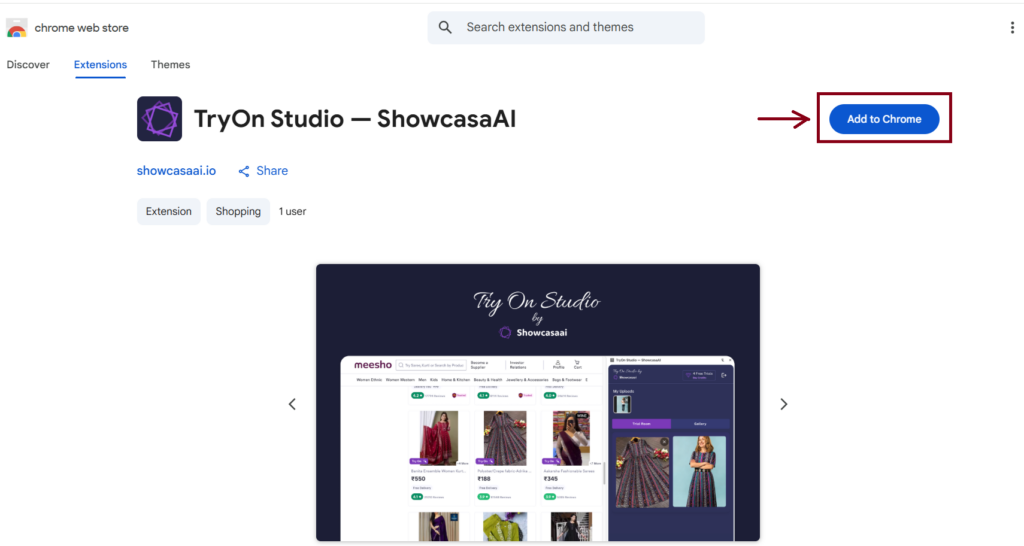
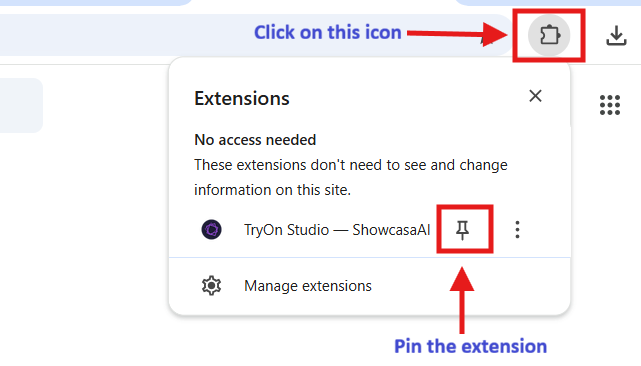
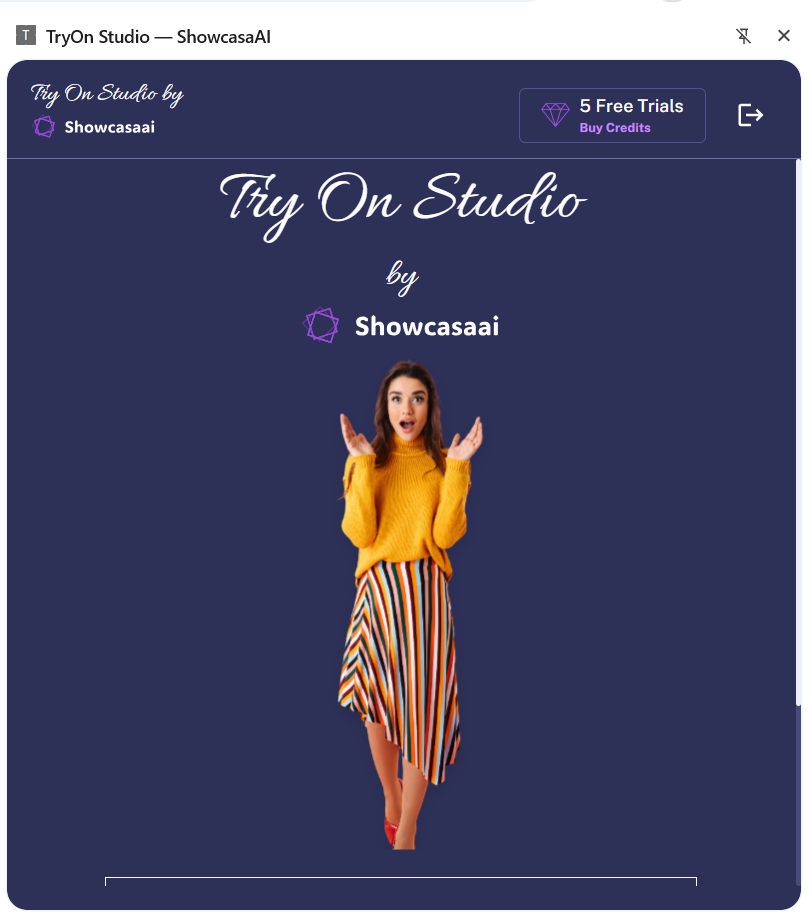
Setting up TryOn Studio is simple and quick.
- Install “TryOn Studio — ShowcasaAI” from the Chrome Web Store
- Pin the extension from the 🧩 icon
- Sign in and open the extension
- You’re ready to start trying outfits virtually
Steps to Use the Try-On Feature
- Upload Your Image
Open TryOn Studio and upload a clear photo of yourself. - Select a Try-On Outfit
Browse any website, click on the outfit image you like, and choose Try On. - Generate the Result
Once both images are selected, click Generate to see the try-on preview.
That’s it — simple, fast, and seamless !
How the Try-On Feature Works

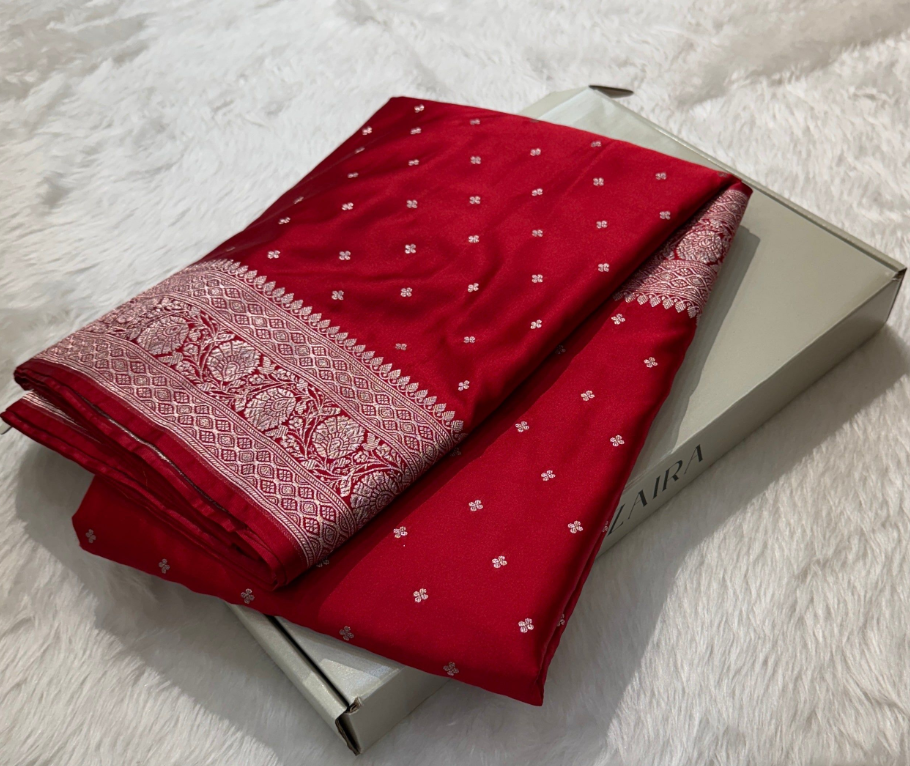

The try-on process is built around two images:
Upload Image:
This is your photo — the person who will wear the outfit.
TryOn Image:
This is the outfit image selected directly from any website on browser.
Once both images are selected, TryOn Studio transforms your photo by applying the chosen outfit with natural fit and realistic placement.
The quality of the output depends heavily on how these two images are chosen.
Want better try-on results?
Learn how to get better try-on results with the right images — Read the guide.