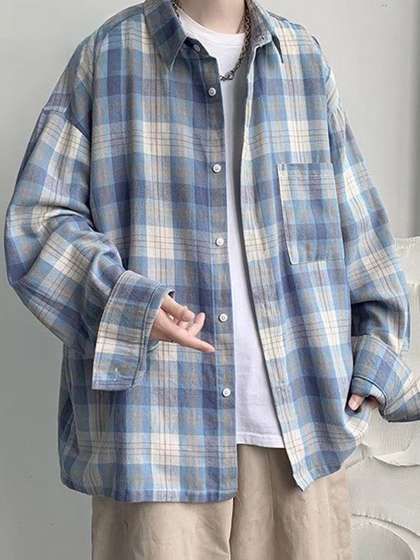
Think of your upload image as the foundation of the try-on.
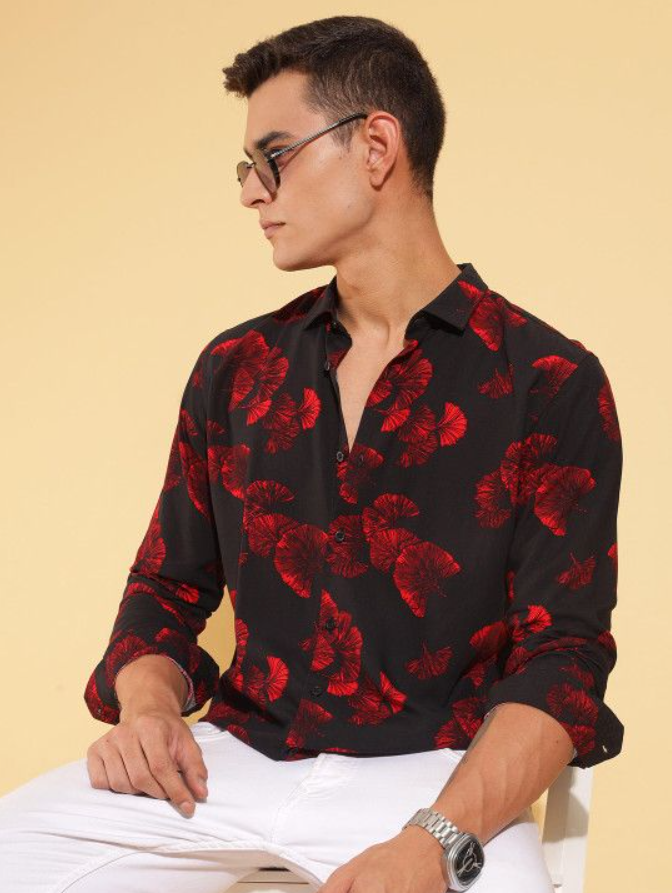
These images show ideal upload examples that work best for try-on results.
Works best when:
Only one person is visible
The image is clear, sharp, and well-lit
The pose is front-facing or naturally standing
Most of the body is visible, or at least the upper body is clearly shown
Clothing is simple and not heavily layered
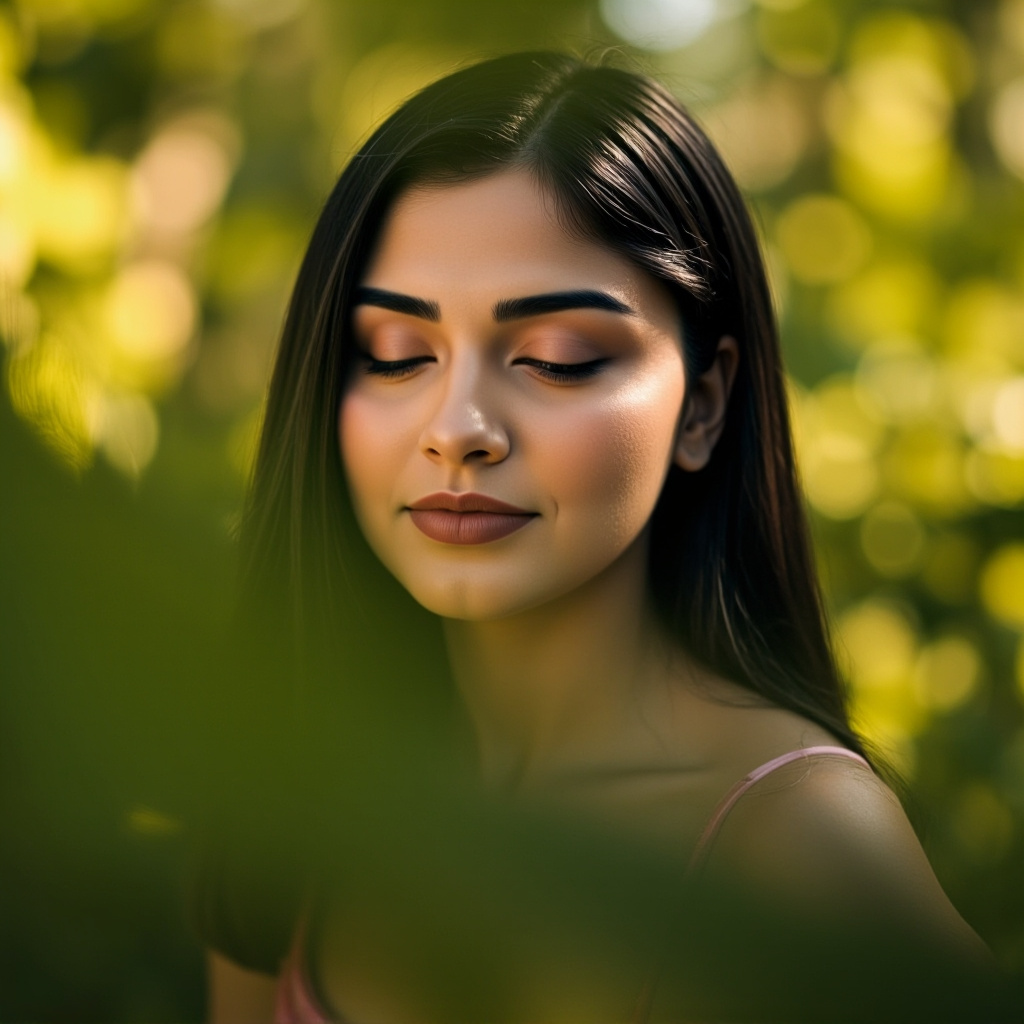
Upload Images that may affect Try-On results:
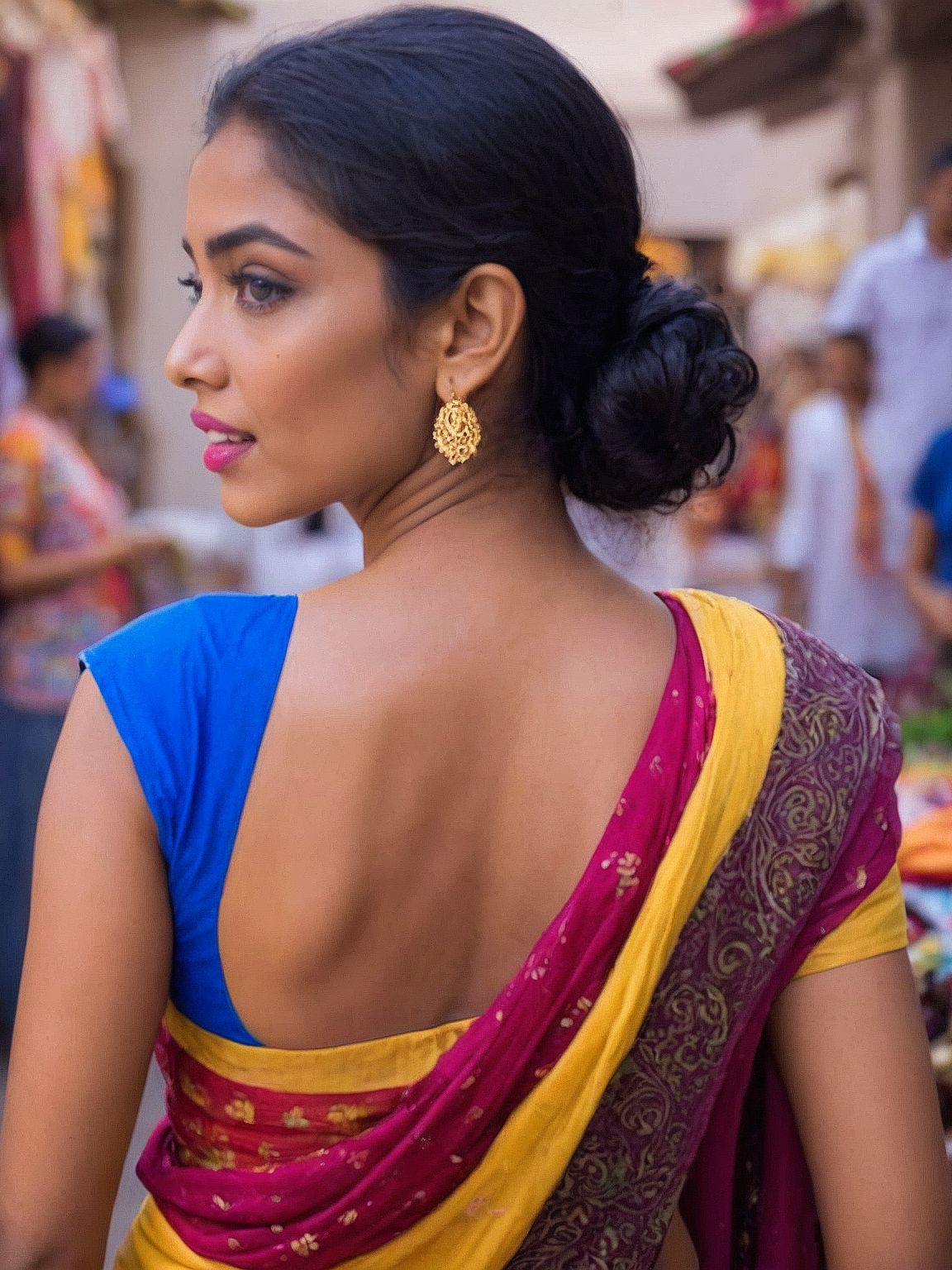
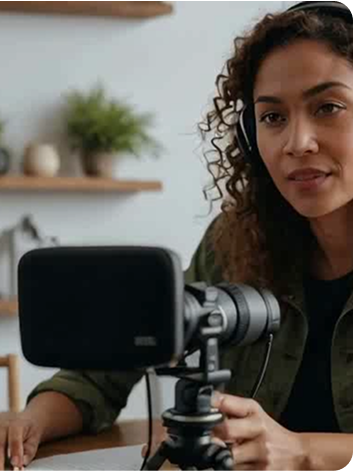
These images show upload examples that may lead to inaccurate or unnatural try-on results.
Avoid when possible:
Group photos with more than one person
Blurry, dark, or low-quality images
Cropped photos or bodies that are only partially visible or passport size image
Extreme poses, tilted angles, or unusual camera perspectives
Long-distance shots where facial details are not clearly visible
Back-facing or side-facing images where the front of the body is not visible
Why this matters:
For the best results, TryOn Studio — Showcasaai needs a clear body shape and pose to replace the outfit accurately and naturally.
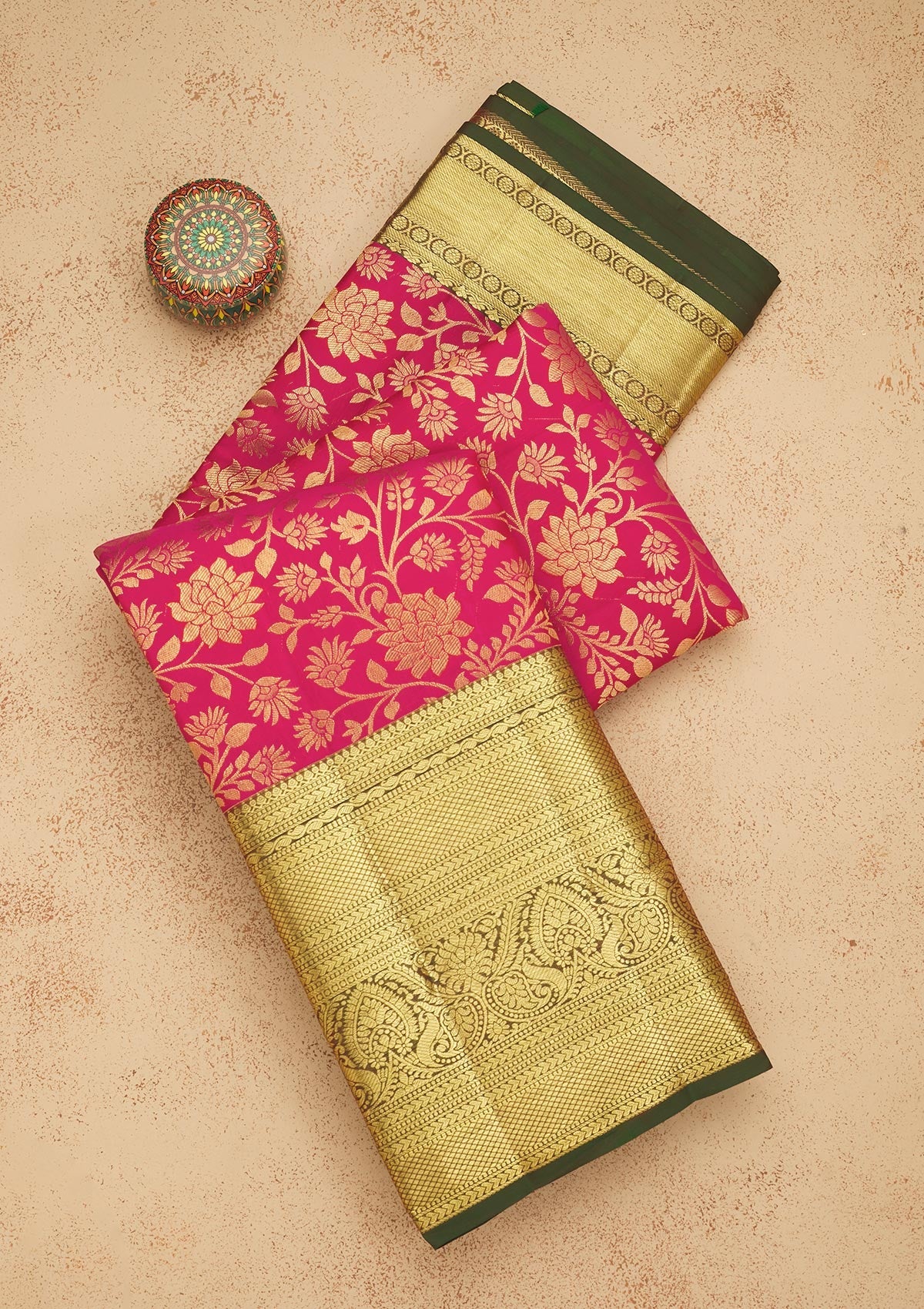
Choosing the Right Try-On Image (Outfit)
The try-on image defines how realistic your final result will feel.
Best results come from:
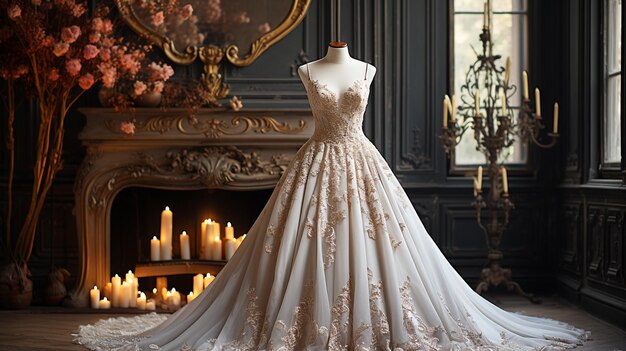
Outfits that are clearly visible
Full outfits rather than single items
Model, mannequin, or flat-lay images
Outfit type that logically fits the uploaded image
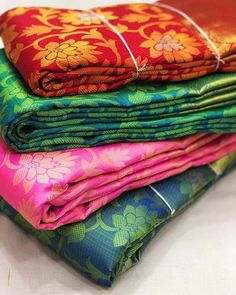
Try-On Images to Avoid:
These try-on images may lead to inaccurate or unrealistic results:
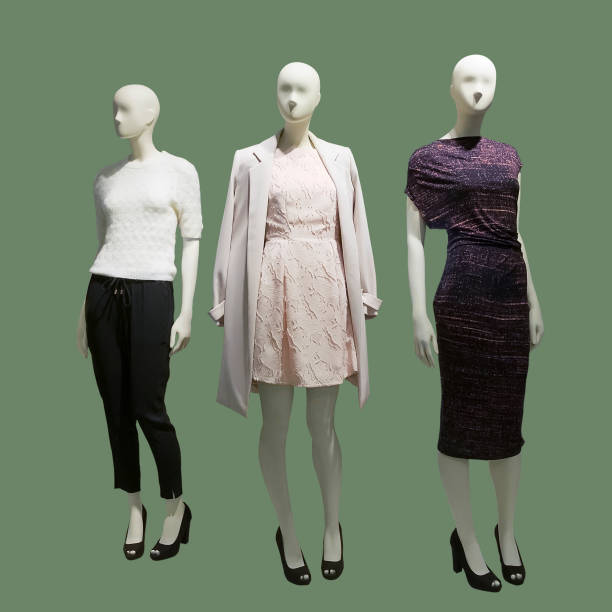
Images showing multiple outfits in a single frame
Unclear, blurry, or low-quality outfit images
Cropped images where the outfit is partially visible
Outfits that do not clearly show shape, fit, or details
Images with overlapping or cluttered clothing elements
Tip:
If you select a single clothing item (like a T-shirt or top), make sure the uploaded image already has the remaining outfit (such as pants or bottoms). This helps the outfit blend naturally.
Common mistake to avoid:
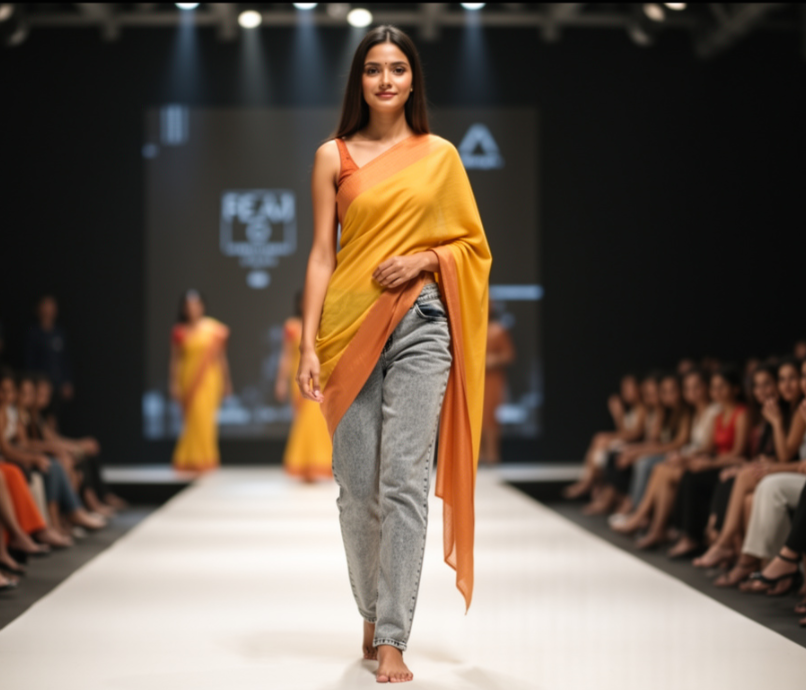
If the uploaded image and try-on outfit don’t match, the result may look unnatural.
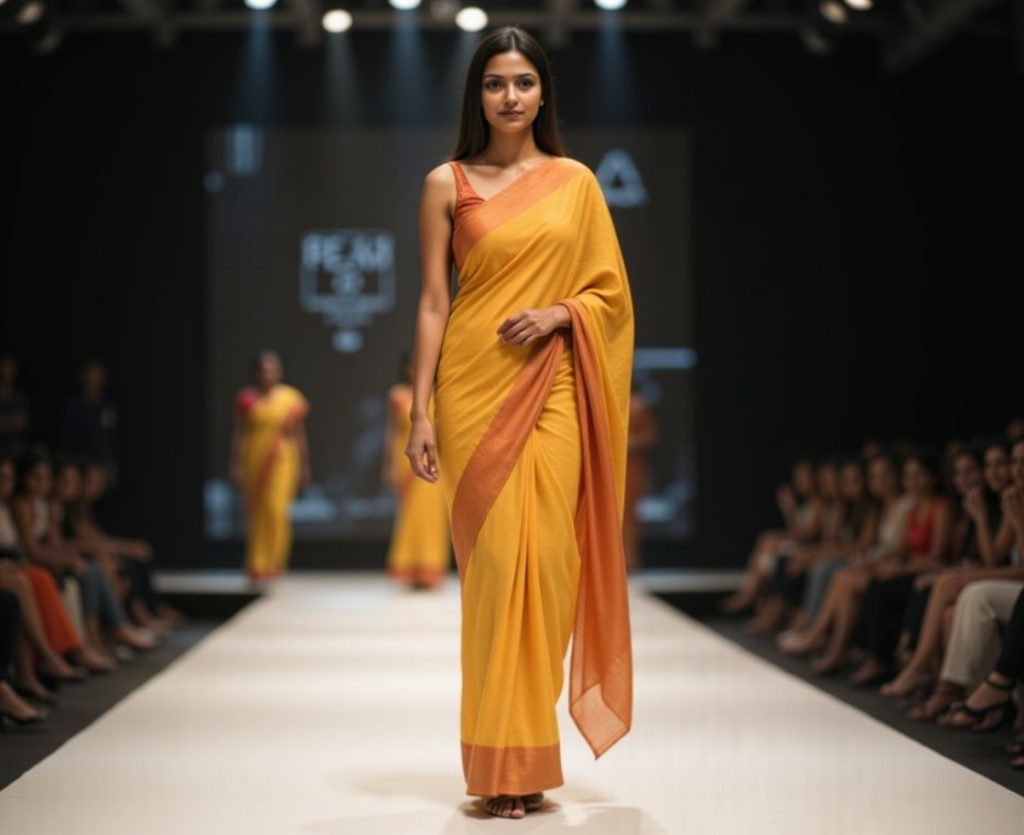
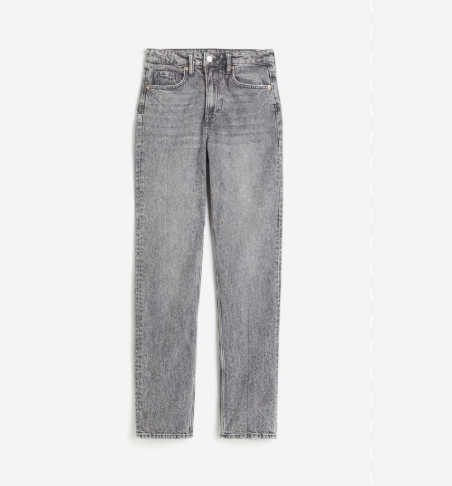
Example: Upload image: Woman wearing a saree Try-on image: Jeans only
In this case, the jeans may appear on top of the saree, making the output look unrealistic.
Simple rule to remember:
The try-on outfit should replace what you’re wearing — not layer over it.
Final Thoughts
TryOn Studio — ShowcasaAI helps you see fashion clearly — not just imagine it.
When images are chosen thoughtfully, the results feel natural, realistic, and surprisingly accurate. Start free, understand the flow, and upgrade when you’re ready to explore without limits.